Free, made by AI from the ring's own photograph
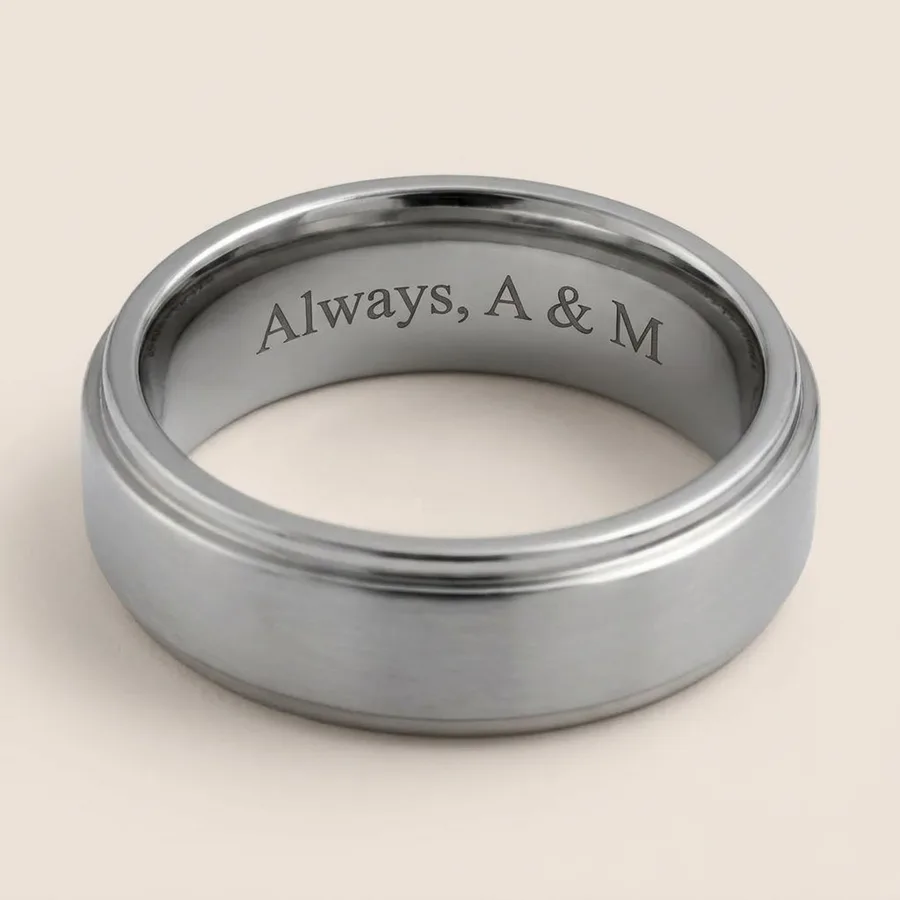
See your engraving inside the ring
Type your words, choose the ring and the letters. We show you that ring turned to reveal your engraving inside the band. Three free pictures every thirty days. Every picture is read back before you see it, so the letters are the ones you typed.
0 of 30 characters. Letters, numbers, simple punctuation, ♥ and ∞. The letter style is a guide to the look: rings are engraved in our maker's own lettering.
We email you a link. Open it and your picture is made. It keeps the free pictures fair and lets you come back to yours.
Your words are sent to our AI image provider to make your picture, then removed from our records. How we handle them.
Check your inbox
We have sent a link to . Open it on this device and your picture is made straight away. Your words are waiting here, so you will not have to type them again.
Nothing after a few minutes? Look in your spam folder, or .
Making your picture
Checking your words first.
Like it? We send new rings and the occasional offer now and then. Unsubscribe in one click.
How it works
- Choose the ring and type your words. Pick any ring we engrave, its width and Roman, Script or Block letters, then type up to 30 characters, the same limit as the engraving box on the ring's page.
- Open the link we email you. It proves the address is yours and keeps the free pictures fair. Already used the ring try-on? You are signed in already.
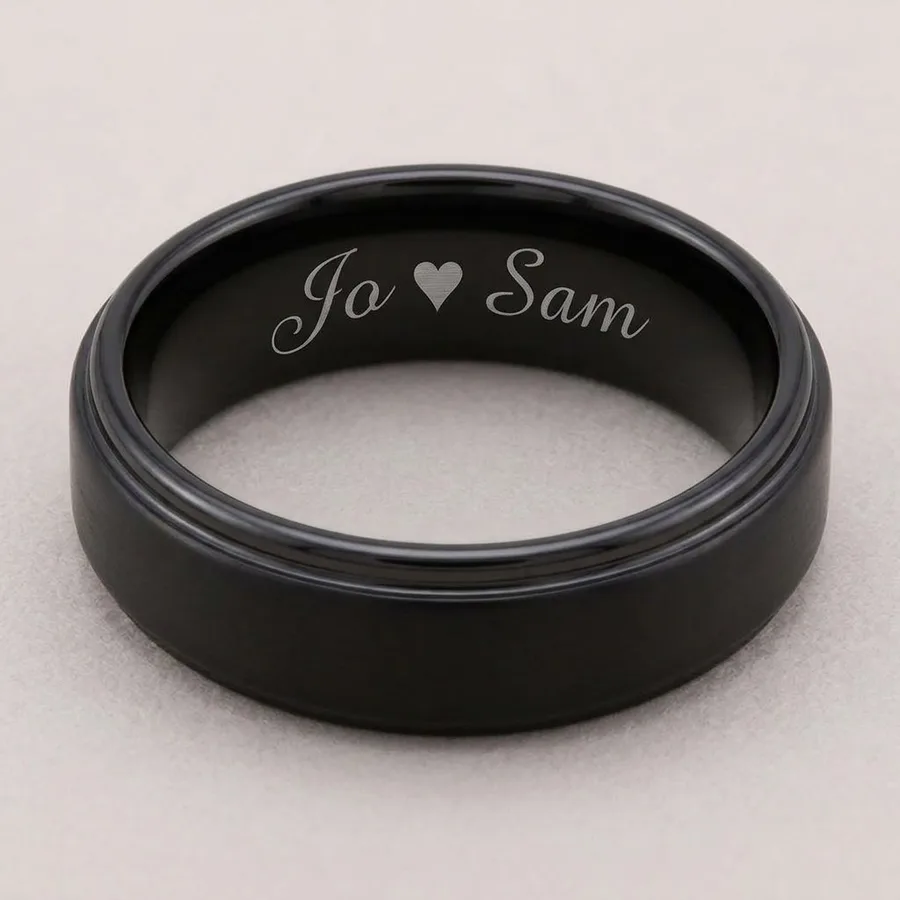
- See your words inside the band. In about twenty seconds you see that ring turned to show your engraving inside, drawn from the ring's own photograph. Every picture is read back before you see it, so a misspelt engraving is never shown.
Choosing the words
Short reads best: a date, two initials or a few words. Script needs a little more room than Roman or Block, so on a band under 3mm keep it short or choose Block. The free engraving preview shows in a second how much fits at your size and width. Our guide to what to engrave in a wedding ring has ideas by length. Want to see the ring on your own hand too? The ring try-on draws it on a photo of your hand.
Questions about seeing your engraving
- Can I see what my engraving will look like before I order?
- Yes. Choose the ring, type your words and pick Roman, Script or Block. We then make a picture of that ring turned to show your engraving inside the band. It is free: three pictures for each email address every thirty days.
- How accurate is the engraving picture?
- It is a good guide to how your words will sit inside that ring: the letter style, the length and how the engraving reads against the metal. It is made by AI, so the exact letter shapes and depth can differ a little from the laser engraving on your ring. The ring itself is drawn from its own photograph.
- What if the AI spells my engraving wrong?
- You will not see it. Every picture is read back by a second check before it is shown. One whose letters do not match what you typed is thrown away and does not count towards your three.
- What happens to my words?
- They are used to make your picture, then removed from our records. They are not sent to anyone at Trothe or used to train anything. The picture is kept for thirty days, so asking again for the same words on the same ring shows it again without using another of your three. Then it is deleted.
- Can I choose the engraving font?
- The picture lets you compare Roman, Script and Block letters, to judge how long wording sits and how it feels. Your ring is engraved in our maker's own lettering, so treat the style as a guide. If a particular style matters to you, email us before you order and we will check what can be done.
- How many characters can I engrave?
- Up to 30, spaces included, which is the limit on every ring's engraving box. Wider bands and larger sizes fit longer wording more comfortably. The instant engraving preview shows roughly how much fits at your size and width.
- Does engraving cost extra?
- No. Engraving inside the band is free on every ring that offers it. An engraved ring is personalised, so it cannot come back for a change of mind; faults are always covered.